Project scope
HomeLite
Family Dashboard
HomeLite turns a Raspberry Pi and inexpensive Android tablet into a private, glanceable household dashboard.
No public source or download is available.
- Role
- Product manager, designer, developer, and operator
- Timeframe
- 2026–present
- Platforms
- Raspberry Pi · FastAPI · Home Assistant · Android kiosk
At a glance
HomeLite is a household-first, read-only dashboard for shared calendars, reminders, notes, weather, air quality, and Home Assistant conditions, hosted on a Raspberry Pi and displayed on an Android tablet.
Background and opportunity
Household information was spread across phones, apps, calendars, notes, and sensor dashboards. A shared wall display could make the useful parts glanceable without turning the kitchen into another control panel or placing private family data in a new cloud service.
Business justification
The household already owned the Raspberry Pi, tablet, Apple services, and Home Assistant sensors. A purpose-built local interface could combine them at low incremental cost while fitting the family's actual routines better than a general-purpose dashboard.
Goals, success measures, and non-goals
The primary measure is daily usefulness at the actual 1280×800 wall display: the right information is fresh, legible, and reachable without a browser toolbar. It is intentionally read-only and currently optimized for one household. General installation, account onboarding, and broad device compatibility are not yet product goals.
Personas and stakeholders
- Household members need an immediate shared view without setup or training.
- The operator needs stale-data visibility, recovery controls, and maintainable services.
- Guests should understand the display without gaining control of the home.
- Service providers include Apple data sources, Home Assistant, weather, and air-quality feeds.
Requirements
- Run on a headless Raspberry Pi and an inexpensive Android kiosk tablet.
- Keep credentials server-side and household content on the home network.
- Preserve useful cached data when a provider becomes unavailable.
- Make calendar, reminders, notes, weather, and sensor detail readable by touch.
- Recover after restarts without requiring a desktop session on the Pi.
Solution and experience
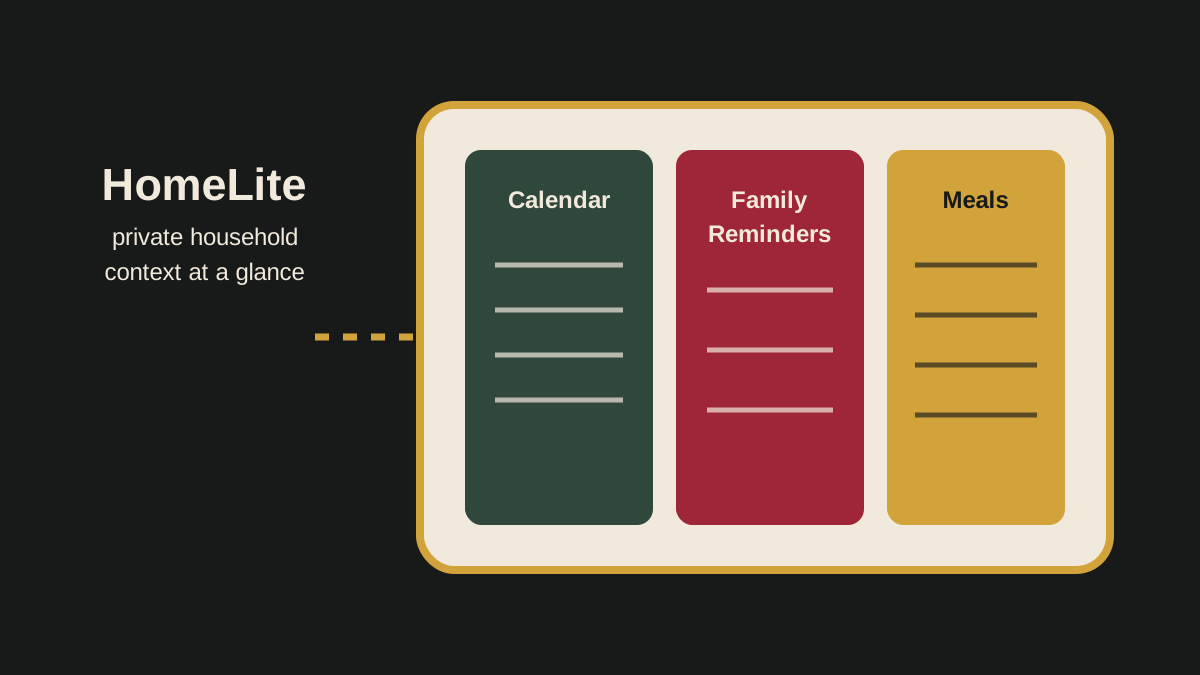
A FastAPI backend coordinates bounded provider sync jobs and cached snapshots. A plain HTML, CSS, and JavaScript frontend presents a rolling calendar, family reminders, meals, notes, weather, and indoor conditions. Home Assistant occupancy can wake the tablet display when someone approaches.
Decisions and tradeoffs
Read-only interactions reduce accidental changes and simplify trust. Local hosting protects private content but requires household network maintenance. Designing for one fixed display produces a strong everyday experience while postponing the work needed for a general consumer setup.
Risks and mitigations
- Provider authentication can expire; retain stale data, expose status, and keep renewal deliberate.
- A kiosk can trap a user inside external content; use dashboard-owned navigation.
- Sensor availability varies; distinguish missing data from zero and explain aggregation.
- A personalized deployment can become brittle; keep requirements and runtime checks documented.
Outcomes and evidence
Verified outcome: Repository records document automated tests, live Raspberry Pi deployment, and browser validation at the target 1280×800 geometry.
Qualitative observation: The project is in personal household use; it has not been packaged or validated for other homes.
Proposed measure: A generalized release should measure setup completion, provider reliability, stale-data duration, and sustained weekly household use.
Build it
The current build uses a Raspberry Pi, a continuously powered Android tablet with kiosk software, a local network, Home Assistant, and household data providers. The source and credentials are private, and there is no public installer. A reusable edition would need provider-neutral onboarding, secret management, hardware guidance, and a supported deployment path.
What I learned
The product value comes from selection and restraint: a shared display is useful when it surfaces household context without demanding attention or exposing unnecessary controls.
What remains
Replace the diagram with approved photography or a privacy-safe screenshot, define a public hardware profile, remove household-specific assumptions, and build a guided installation flow before presenting HomeLite as something others can install.